Product demo
See Itiner replace the itinerary_final_v14.pdf loop.
A 24-second video of a live branded itinerary link, the seven-step workflow as illustrated steps, and a sample preview you can shape below.
The workflow
From request to live itinerary.
Seven steps. One source of truth.
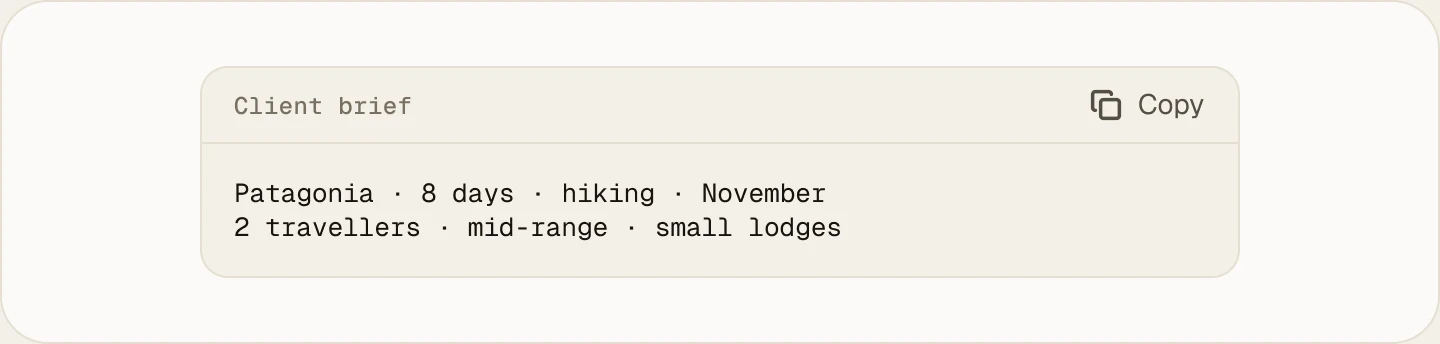
Client brief
A trip request arrives by WhatsApp, email or a supplier PDF quote. Enter it, paste it, or upload it.
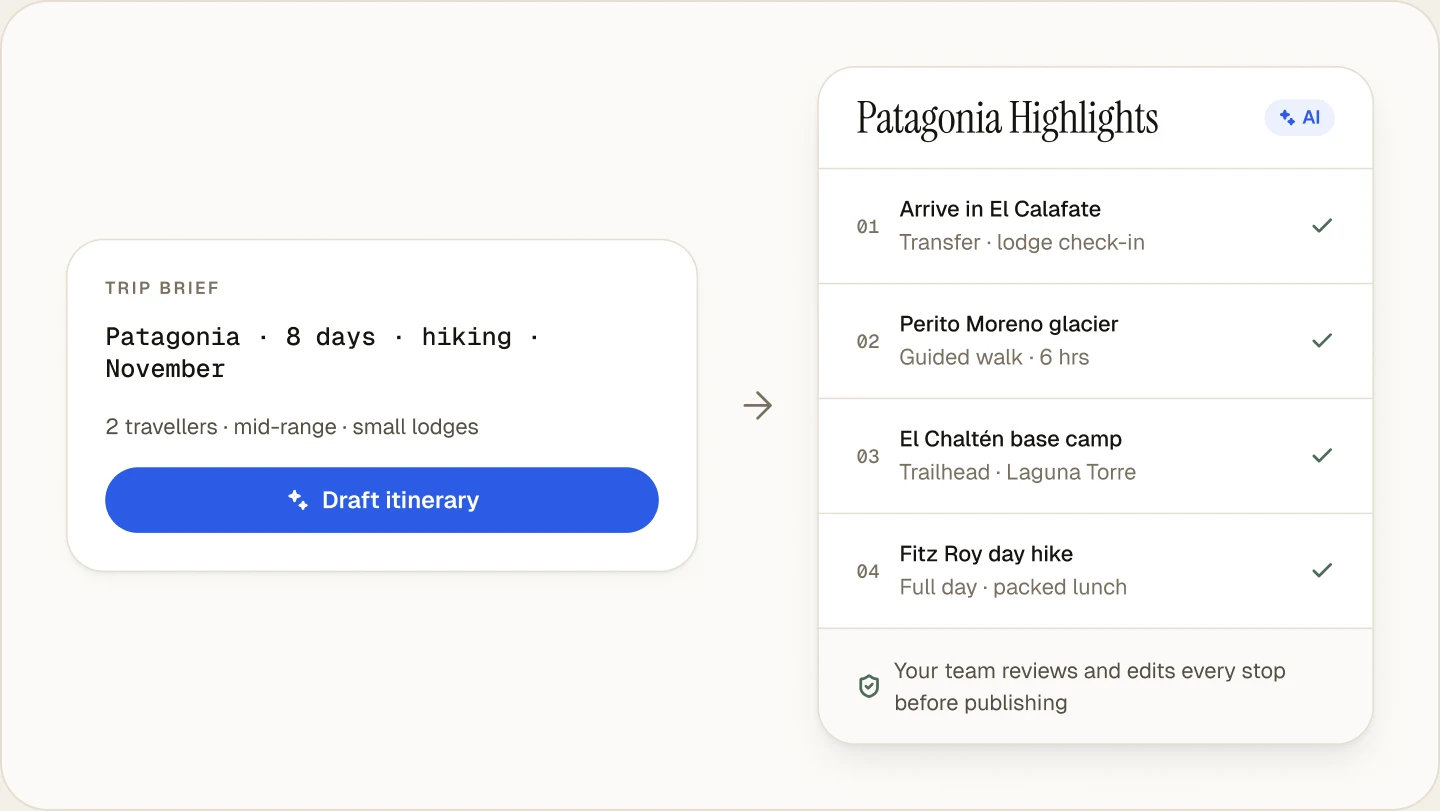
AI draft
Itiner returns a structured, day-by-day draft with hotels, activities, transport and notes placed on the timeline.
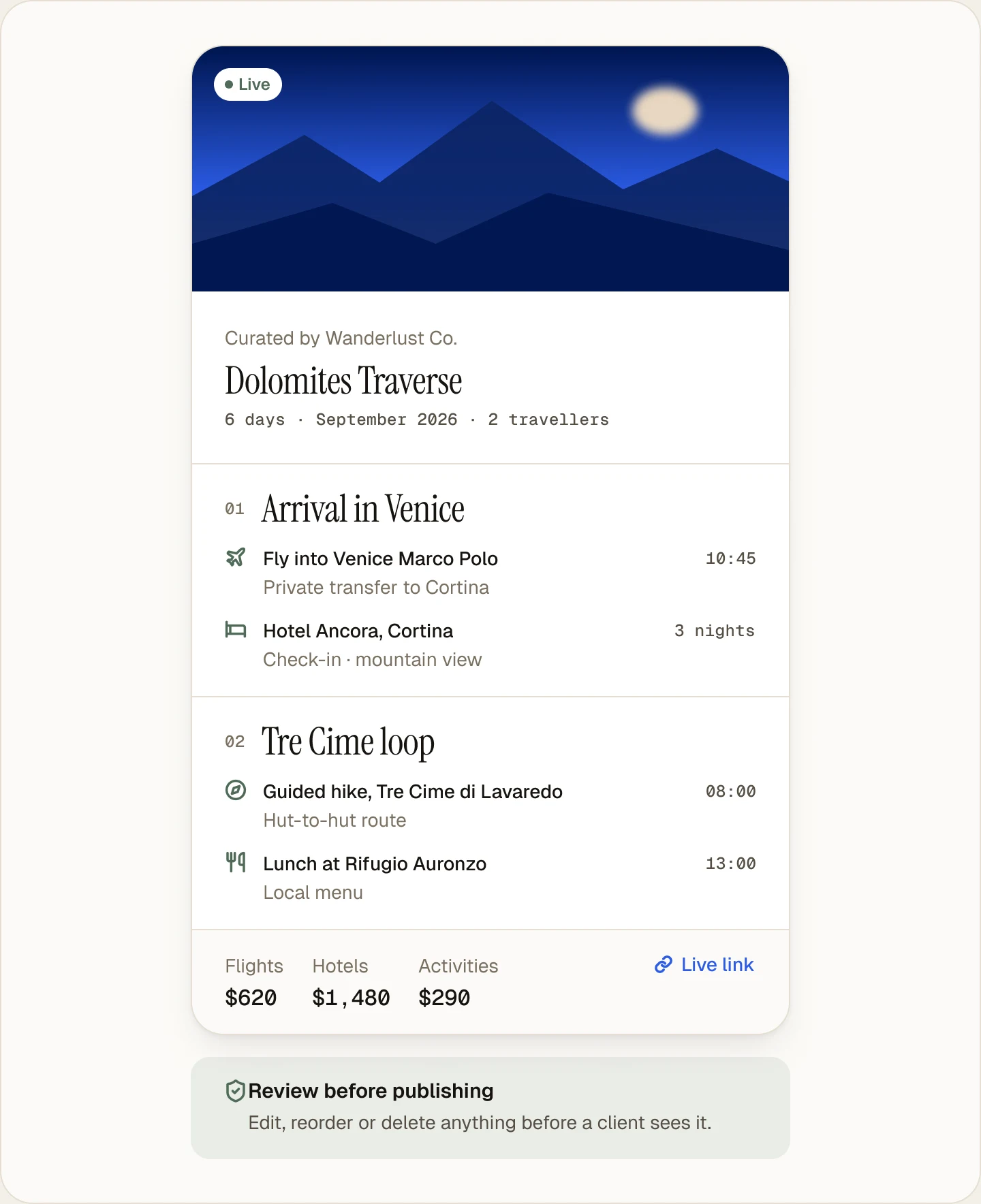
Review
Nothing is shared until you turn sharing on. AI drafts stay private, and every stop is editable before you share the link.
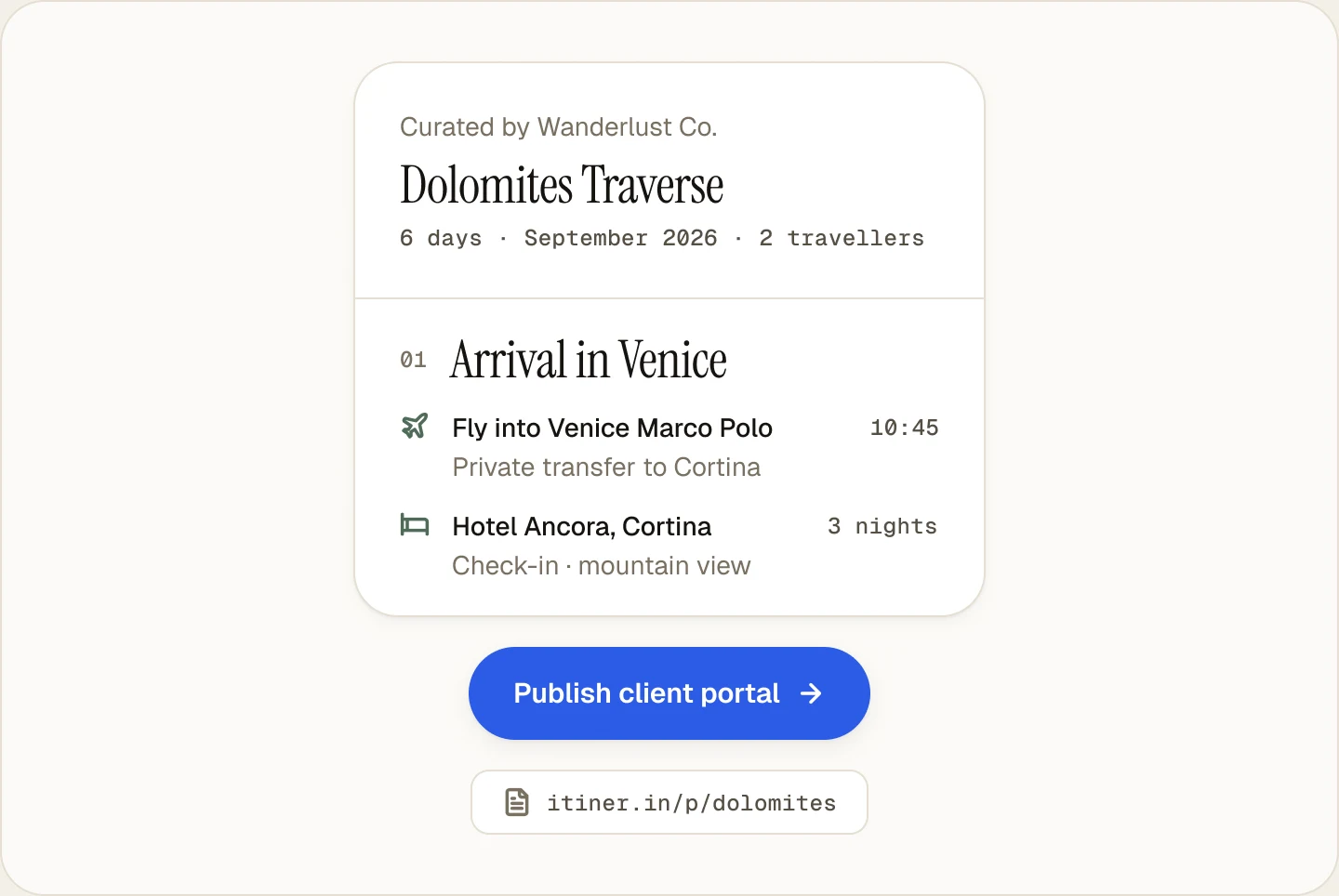
Publish
Publish the client portal and share one live, branded link.
Client opens link
The client sees the itinerary, documents and updates on any device. Portals are read-only.
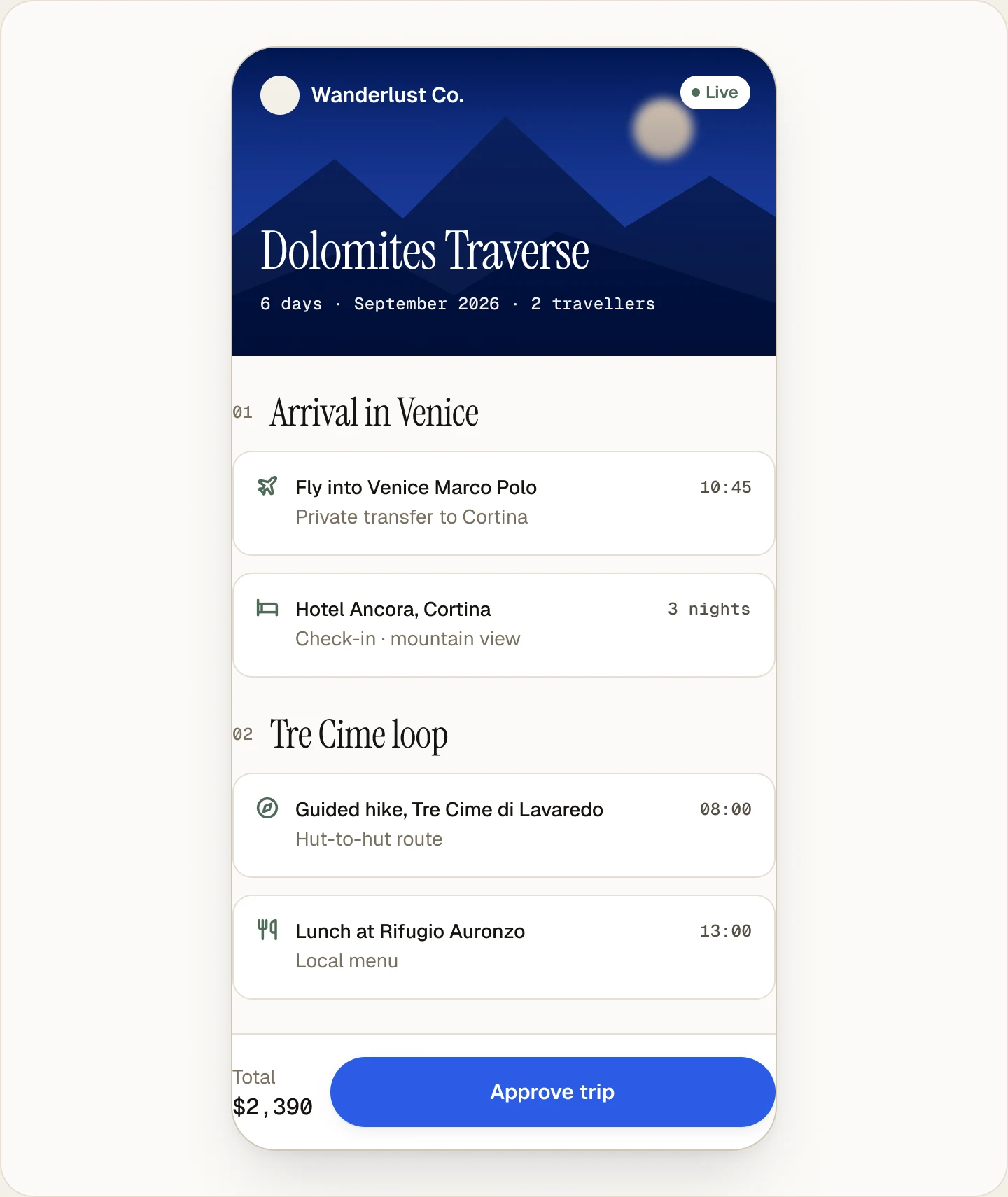
Update itinerary
Swap a hotel once. No re-exporting, no reformatting.
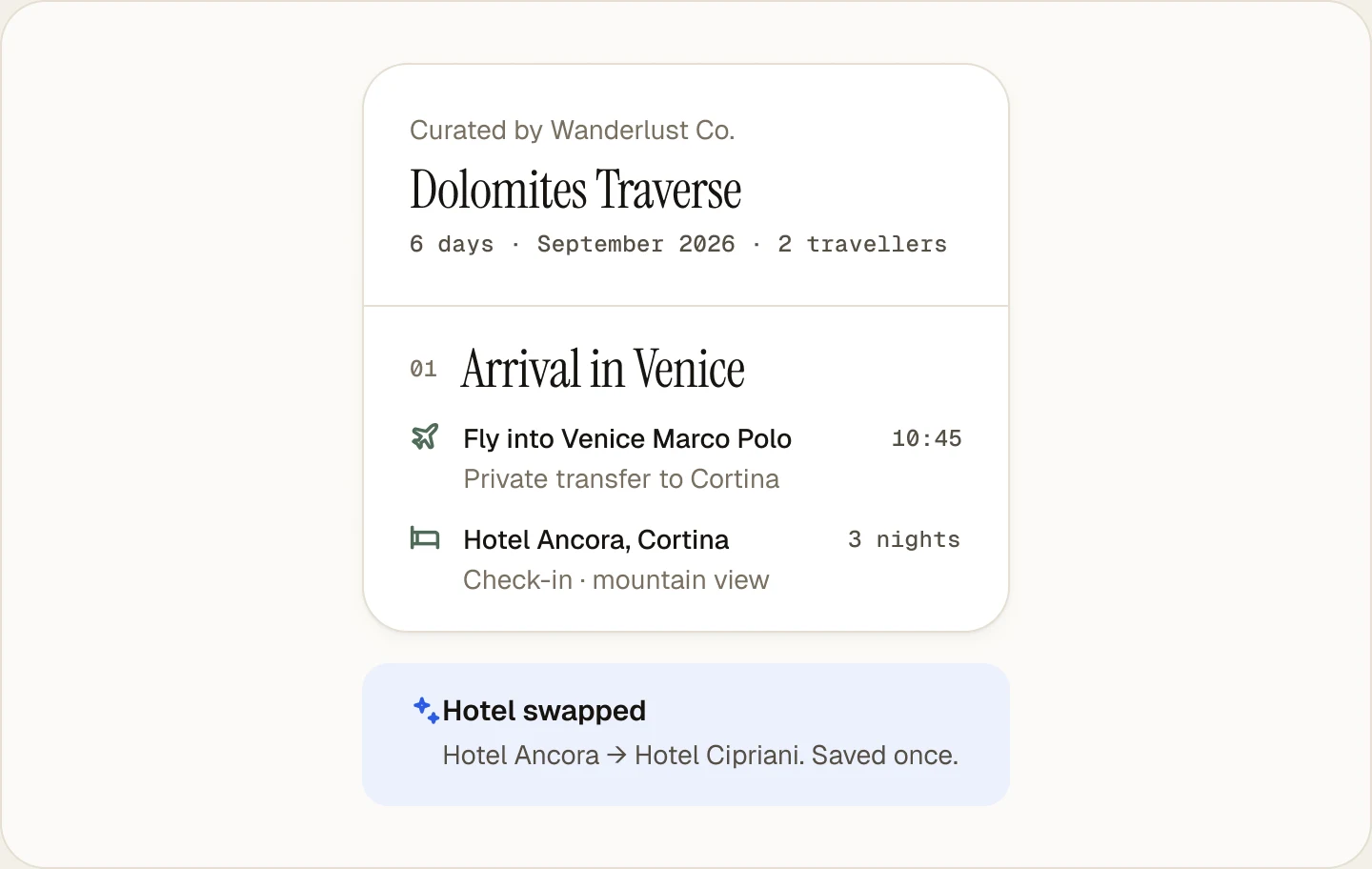
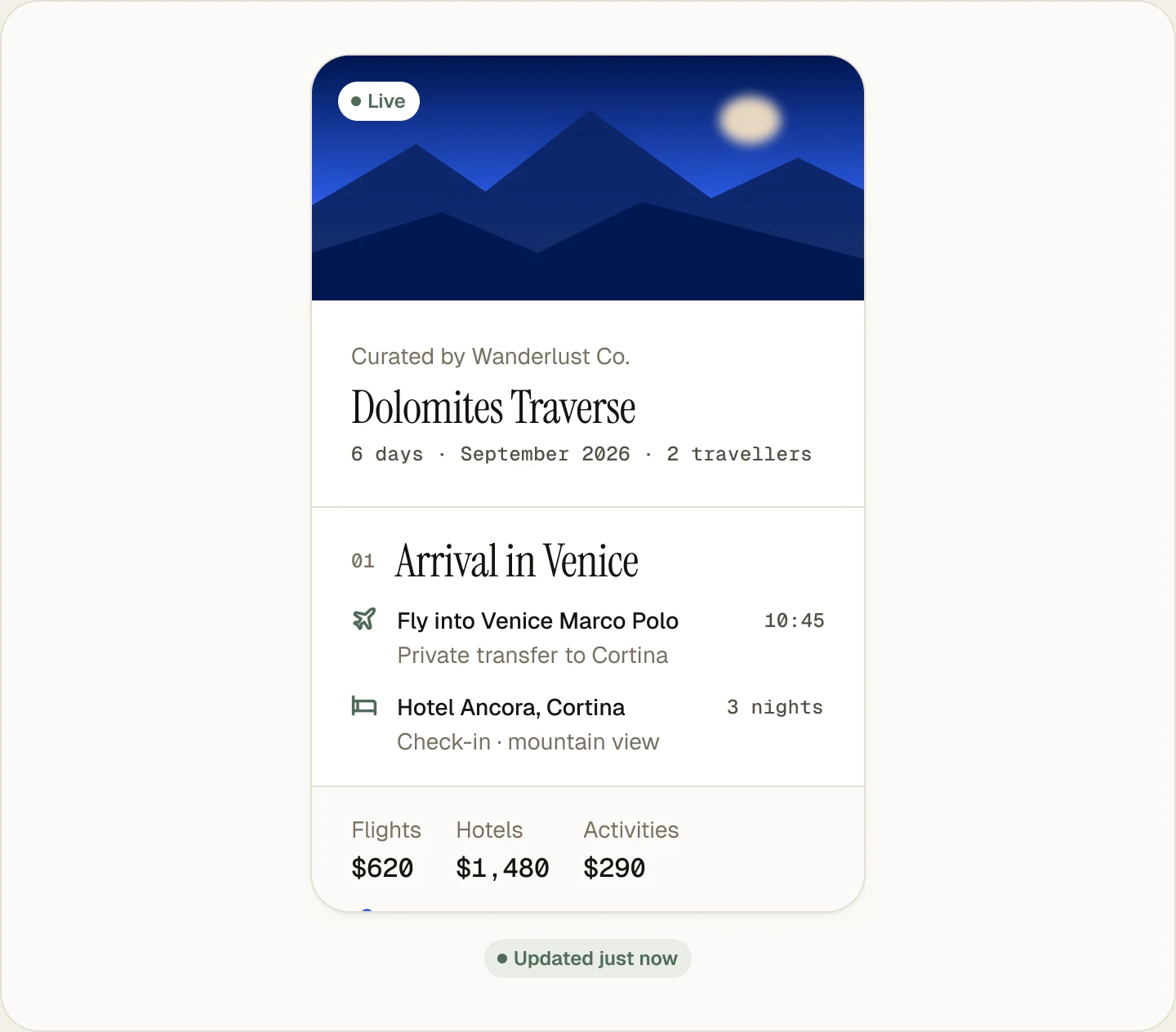
Client sees update
The same link shows the latest version instantly.
Sample preview
Shape a sample trip.
Pick a destination, style and trip length to see how a draft and its client portal are laid out. The day text here is fixed sample copy, not a live AI result.
3-day Bali honeymoon for 2, mid-range budget, from Singapore
Sample preview
Bali Honeymoon Trip
3 days · 2 travelers · Sample layout
Arrival in Bali. Meet the client at the airport, confirm transfers, and settle into a mid-range hotel that fits the brief.
Plan one anchor activity and one lighter stop so the honeymoon pace feels polished, not rushed.
Add a day trip, intercity transfer, or flexible buffer so the Bali itinerary can survive client edits.
Bali trip portal
Client-facing view with itinerary, notes, and shareable updates.
Sample layout with fixed day text. In Itiner, the AI drafts each day from your brief and your team reviews it before anything is shared.
Ready when you are
Build your first live itinerary free.
Create Your First Itinerary free: a 14-day trial with Flex features, up to 15 trips, then the Free plan. No card needed.